Advanced Stopwatch benchmark profile screen on iPhone.

Know how this attempt compares.

You finish, the stopwatch reads 04:12, and you cannot remember what you did last week. Advanced Stopwatch keeps every attempt at an activity together. Add a Benchmark with Pro and the comparison is on screen while you are still going.

How it works

One profile per activity.

A profile is the activity itself: the drill, the route, the hold. You set it up once. Every attempt you keep after that stays with it, with its Results and the date.

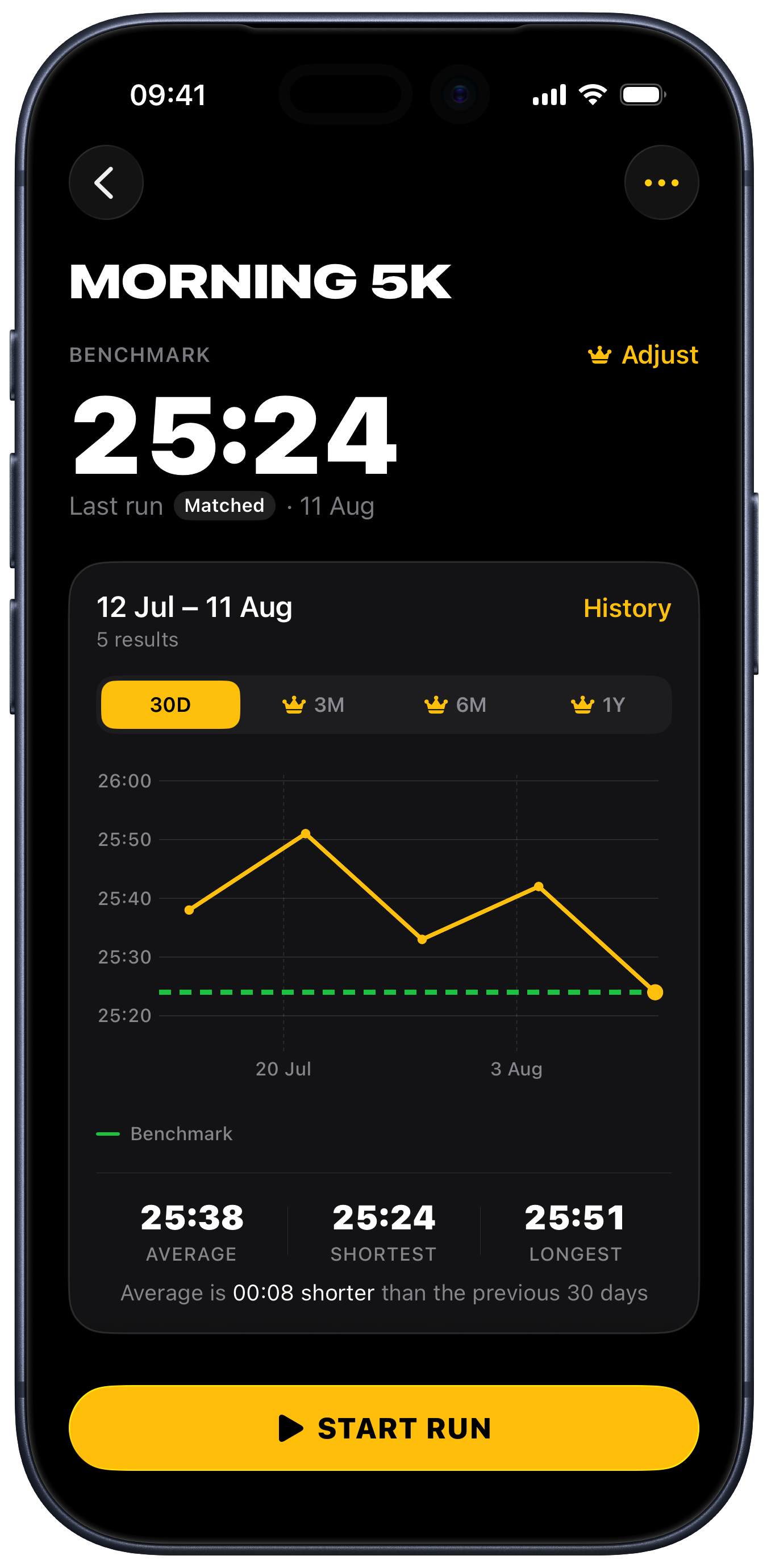
Advanced Stopwatch profile detail for Morning 5K, showing a 25:24 benchmark, a 30-day result chart against the benchmark line, average, shortest and longest times, and a Start Run button.

Your last 30 days, on one chart.

Your last 30 days are waiting the moment you open a profile, with your Benchmark running across the chart so every Result has a line to sit against. Reading the chart is free; setting or changing a Benchmark needs Advanced Stopwatch Pro.

  • In Run History, your February runs still show the difference they were measured against, even after you raise the Benchmark in March.
  • Change the Benchmark by a few seconds or by a percentage, or save a good Result as the Benchmark.
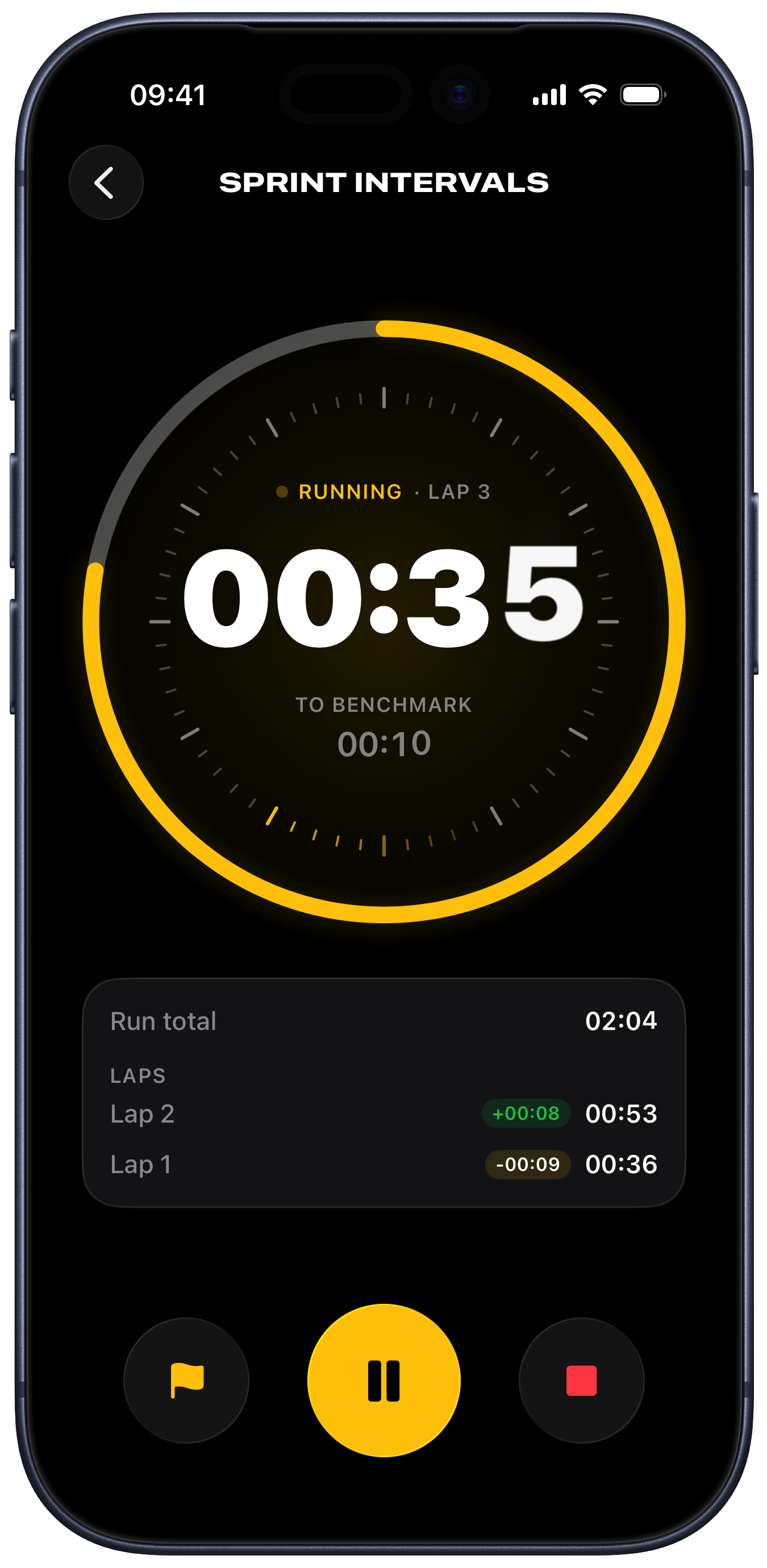
Active stopwatch for Sprint Intervals, showing the chronograph dial part way through lap 3, the time left to the benchmark, the run total, and captured laps with their differences.

Read the time without stopping to think.

Forty seconds into a hold, arms shaking, you are not going to do arithmetic. The current Lap is the biggest thing on the screen, and the time left to your Benchmark sits under it.

  • Paused time stays out of your Lap, so a rest never inflates the number.
  • Capture a Lap between efforts without ending the run.
  • When the Lap reaches your Benchmark the dial turns green, with a sound and a haptic if you want them.
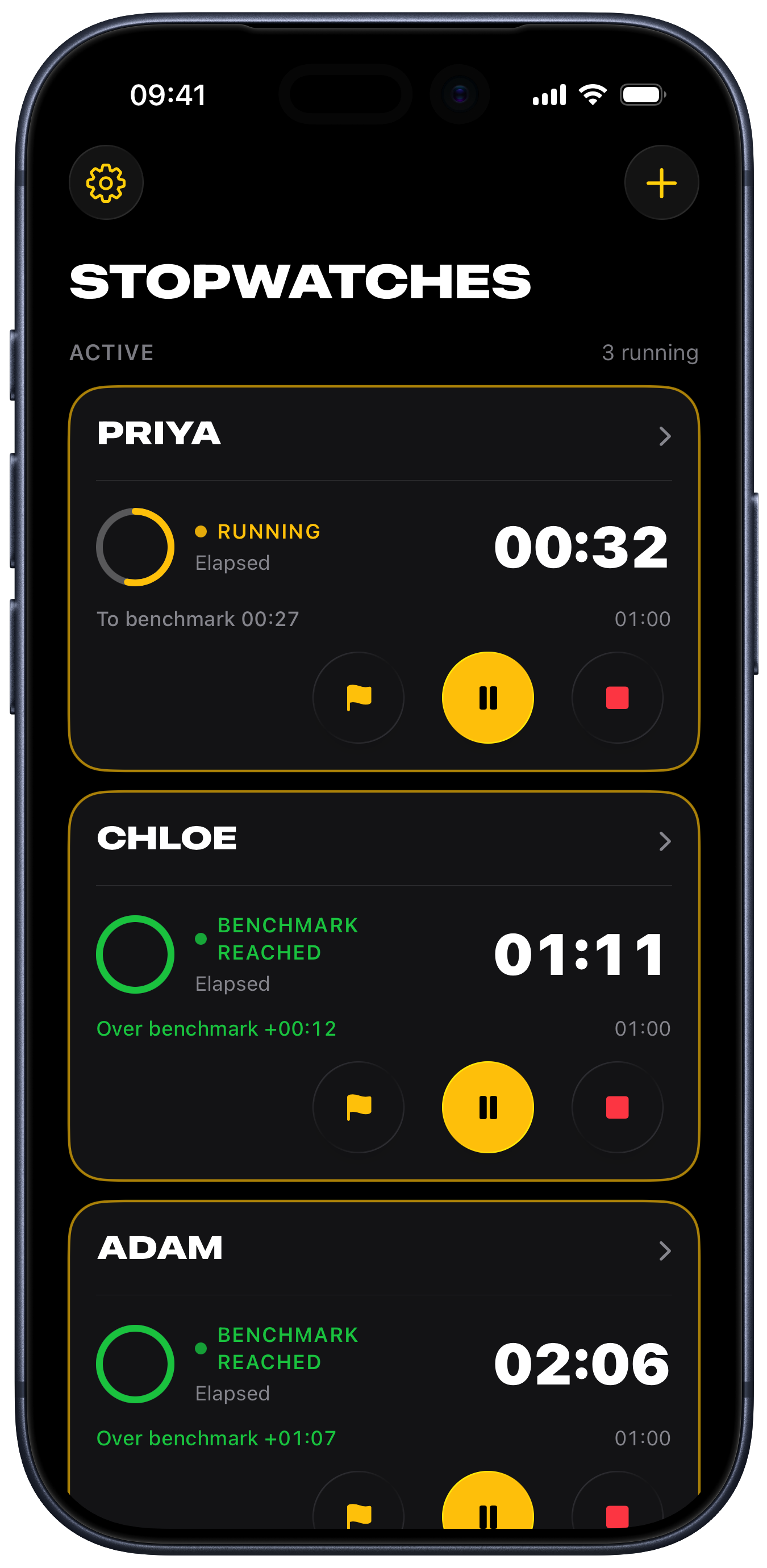
Advanced Stopwatch list with three stopwatches running at once, one per person: Priya still going with 27 seconds to her benchmark, and Chloe and Adam both past theirs, each with inline Lap, Pause, and Stop controls.

Time a group from one screen.

Six athletes, one phone. Everyone gets their own named stopwatch on the list, all running at once, each with its own Laps. One stopwatch is free; several at once needs Advanced Stopwatch Pro.

  • Stop the third person's stopwatch while the other five carry on.
  • The timing runs on timestamps, so a call, a locked phone, or a force quit leaves the run intact.

Your decision

A false start does not belong in your history.

You set off early, or the phone came out of your pocket half a minute late. Stopping opens a Save Decision, so you say what happens: keep the run, discard it, carry on timing, or with Pro make the Result your new Benchmark. Nothing is written until you choose.

Try it

Benchmark preview

00:10

Ready

00:00

To benchmark

00:10

No laps captured yet.

Discard

Discard, and the record is untouched.

A discarded run leaves your Benchmark, your Results, and your Run History exactly as they were.

Decide

Nothing becomes your Benchmark unless you say so.

A quick run is still worth keeping. File it in Run History and your Benchmark stays where it is.

Follow

Keep the time where you can see it.

With one run going, put the phone down and the time carries on where you can see it, on the Lock Screen and in the Dynamic Island. Siri starts and stops the run without you touching the screen.

Repeatable activities

The second time is one tap.

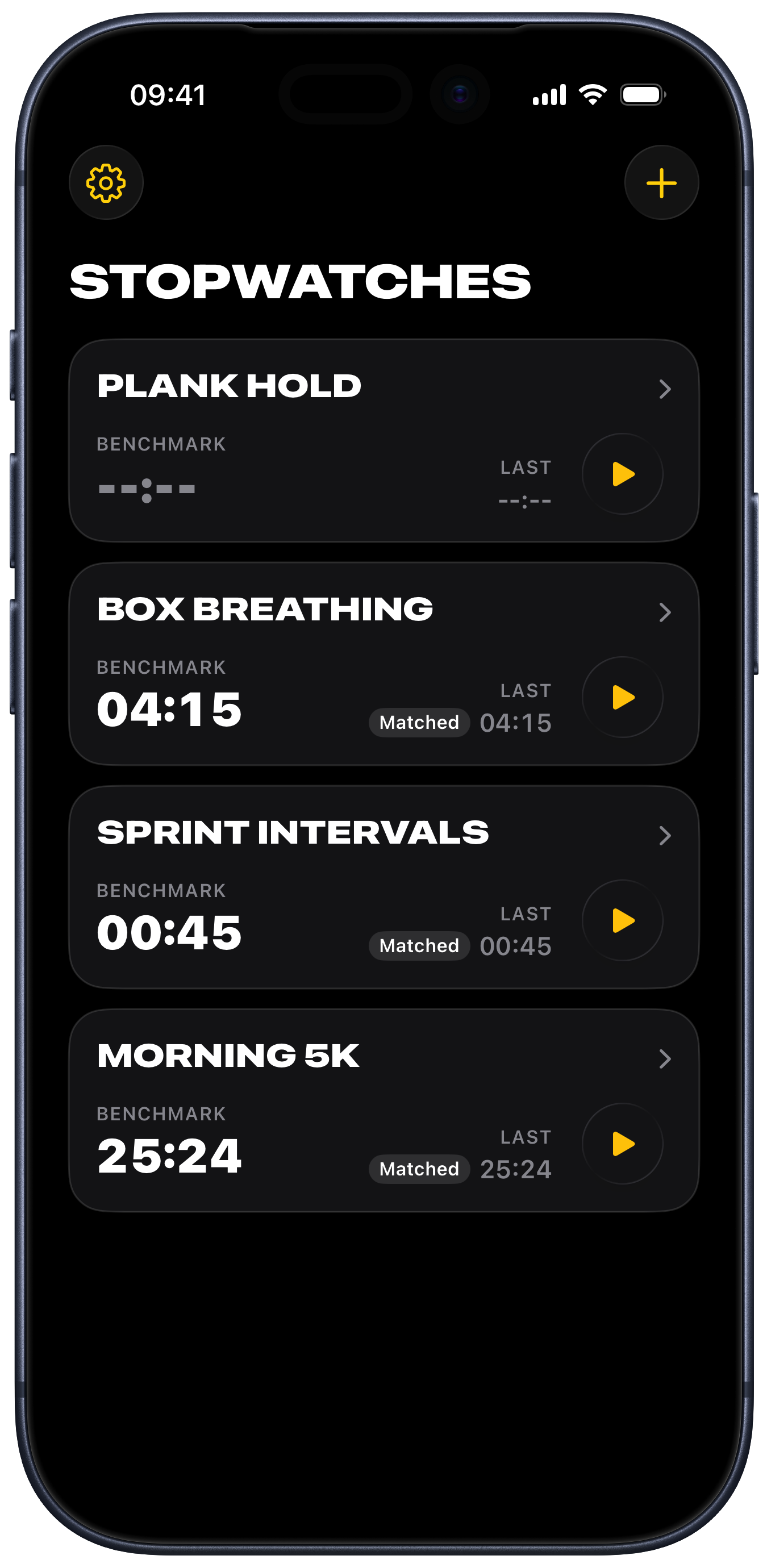
One tap on the list starts the run. The profile still holds your Benchmark, your last Result, and your Run History.

  • Plank holds
  • Breath holds
  • Practice drills
  • Running intervals
  • Mobility work
  • Focus sessions
Advanced Stopwatch list of saved stopwatches, each showing its benchmark, last result, and a Start button.Advanced Stopwatch list with three named stopwatches running at once.

Free to start

Time your next attempt.

The stopwatch, the profiles, the Laps, your Run History, and the 30-day chart are free. Advanced Stopwatch Pro lets you set the Benchmark you measure against, and runs a stopwatch for everyone in the group at once. It stretches the chart from a month to a full year, so a season fits on one screen. It exports your Run History as a CSV file for a spreadsheet or a coach.

Find Advanced Stopwatch on the App Store